
QS-HVS62
Feel it before you see it.*
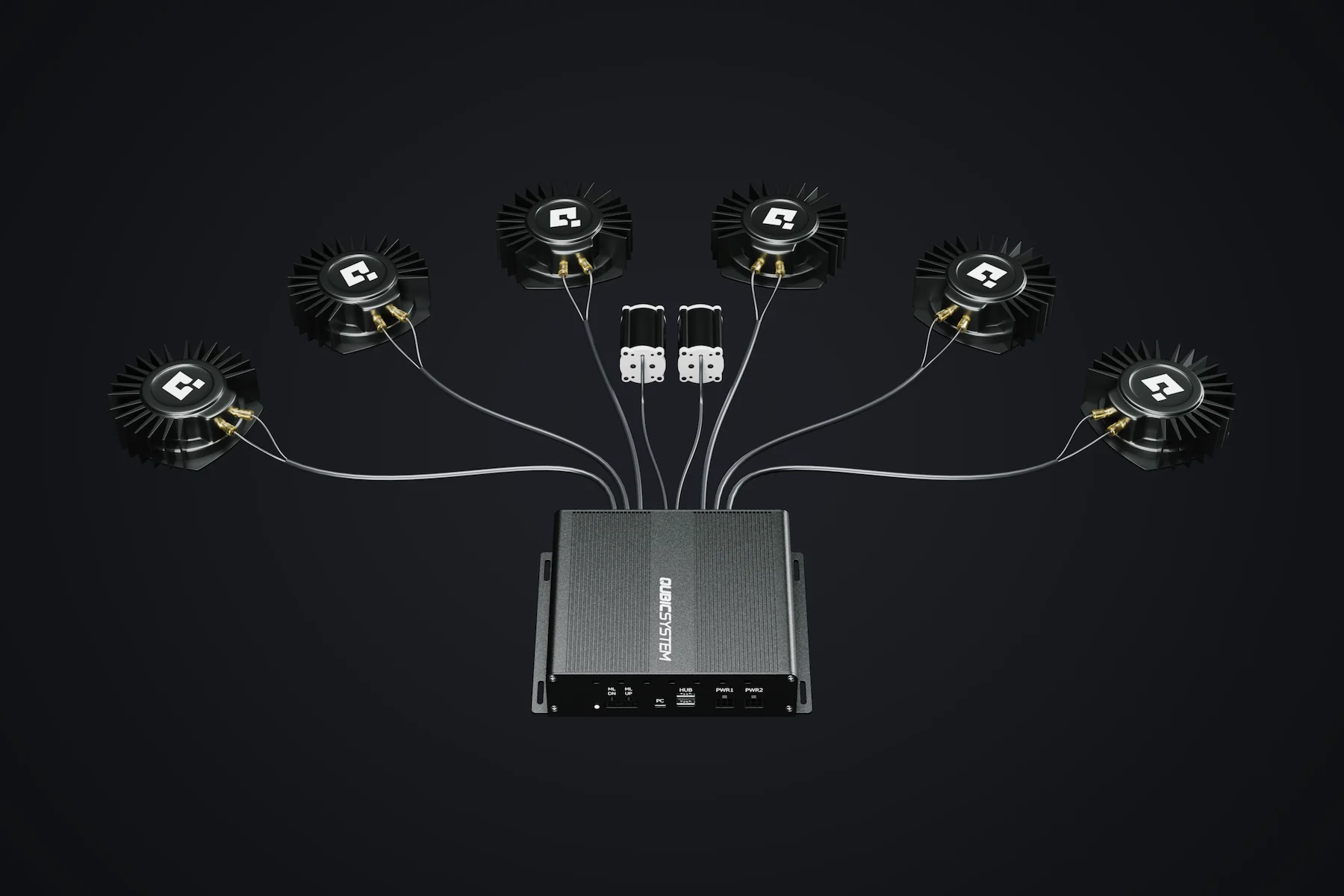
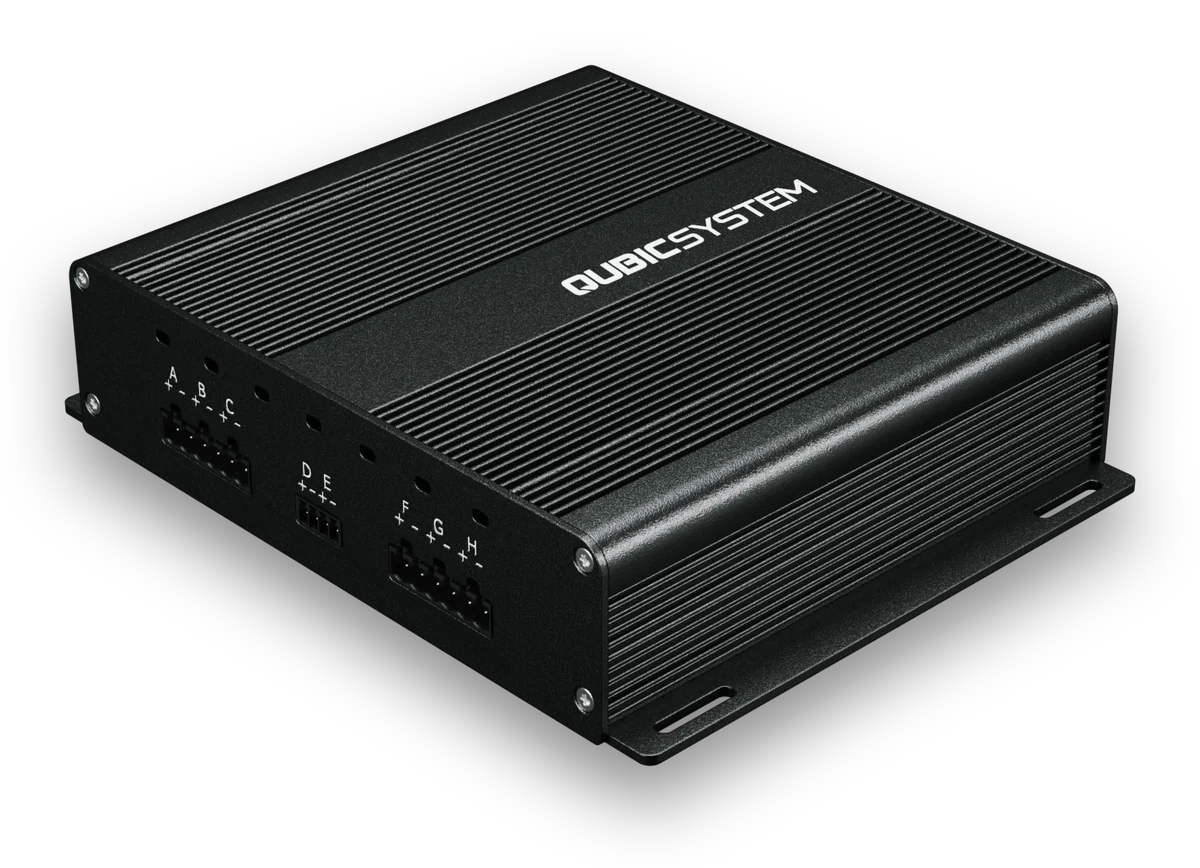
Eight channels from one device. QS-HVS62 turns game telemetry straight into vibration: six high-power channels for transducers on the seat and cockpit, two low-power channels for pedal haptic units. No sound card, no amplifier stack.
Price
€695
Tactile transducers, pedal haptic units and brackets not included.
Tax and duty not included.
At SimRacing Expo, only at the booth of

- From one device: 6 high, 2 low
- 8channels
- Eye-to-butt latency, gear change
- -18ms*
- Titles with ready profiles
- 40+
- Racing and flight effects
- 32
Your seat gets the shift before your screen does.
Eye-to-butt latency is the time between an event appearing on your screen and your body feeling it. With QS-HVS62, you feel the gear change 18 ms before the screen shows it.* With a sound card on standard Windows audio, you feel it 108 to 128 ms after. The replay below runs 16 times slower.
It starts here. The game computes the shift once and sends it two ways: as telemetry to QS-HVS62, and as a new frame to the screen. The telemetry path is shorter.
The same gap, in meters of road
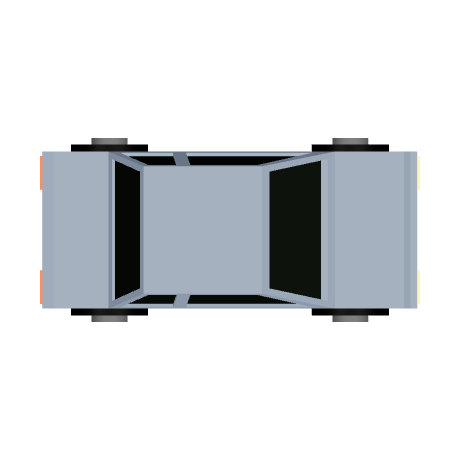
At 160 km/h the car keeps moving through that time. With QS-HVS62 you feel the gear change 0.8 m before you see it; with a sound card on standard Windows audio, 4.8 to 5.7 m after.
km/h99 mph
 QS-HVS62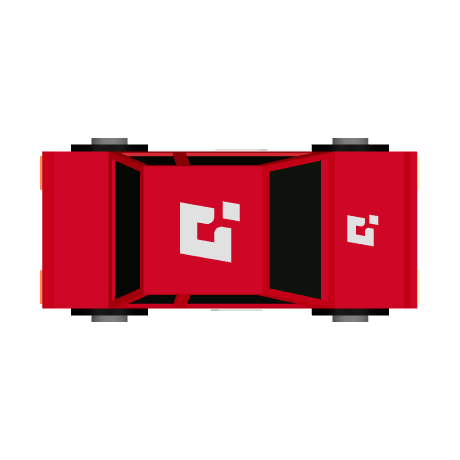
| System | Eye-to-butt latency | At 160 km/h |
|---|---|---|
| QS-HVS62 | -18 ms* | 0.8 m before you see it |
| Sound card, standard Windows audioSound cardPopular generic sim software | +108 to +128 ms* | 4.8 to 5.7 m after |
Distance traveled per millisecond: 4.4 cm. Between QS-HVS62 and the sound card: 5.6 to 6.5 m*, 1.2 to 1.4 car lengths.
* Gear change, relative to the new frame on a 240 Hz gaming monitor. Each wave marks when the vibration starts. The difference adds two measurements taken on different benches, each against the screen; measured side by side on one bench, QS-HVS62 is 80 to 128 ms ahead of a sound card. The full note is under the specifications.
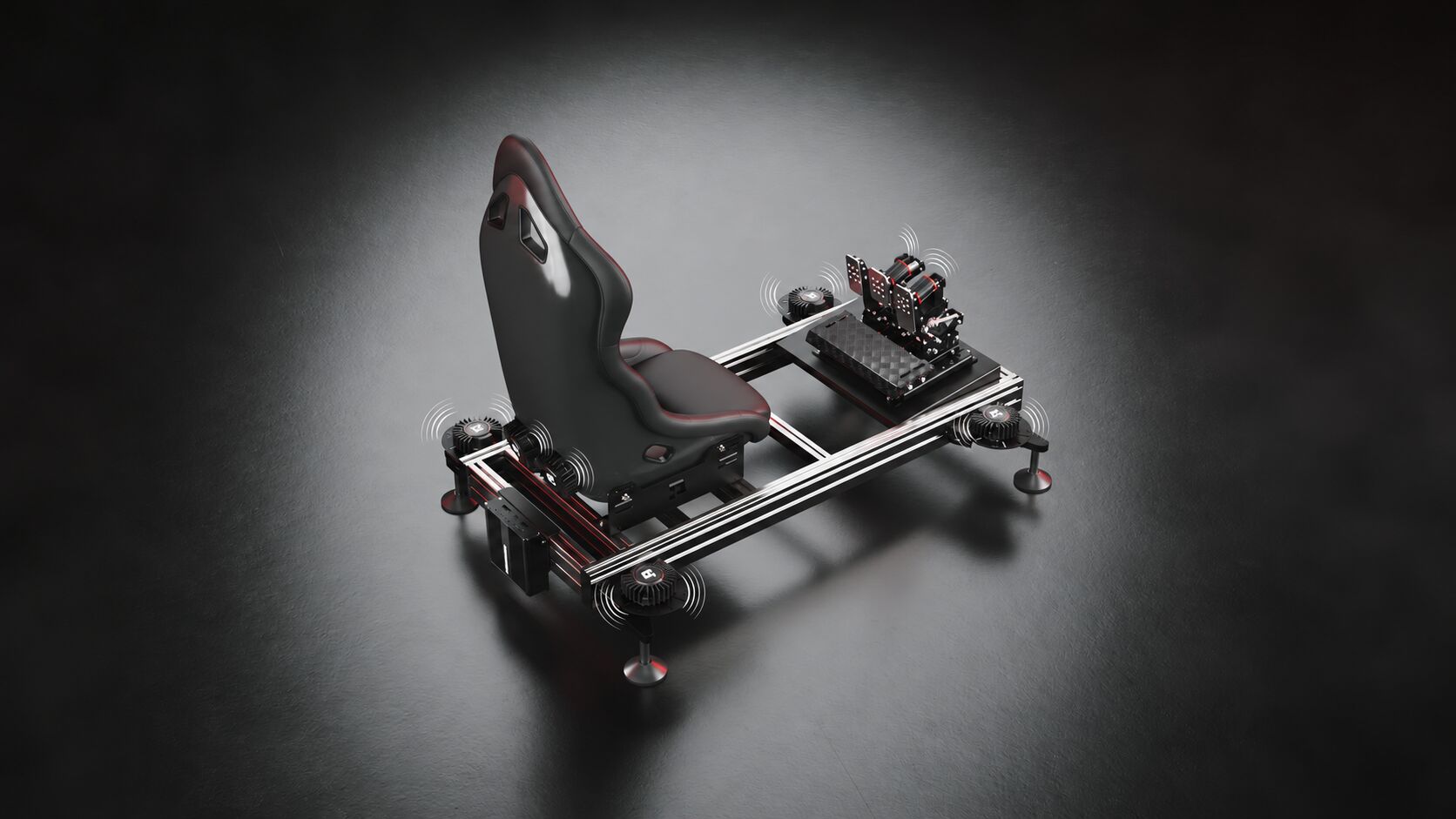
Each wheel of the car, at its own corner of the seat.
Racing effects follow the four wheels. What happens under the front left arrives at your front left, and effects sit at different pitches, so you can tell them apart without looking.
Curbs
A slow thud at low speed, a fast buzz at high speed, and only at the wheels on the curb. Clip the inside curb with two wheels and you feel exactly those two.
Engine
Don't just hear the V8. Feel all eight cylinders, with firing pulses that travel across your transducers in firing order.
Pedals
With pedal haptic units, ABS buzzes under your brake foot and traction control under your throttle foot. Pedal haptic units may need an adapter and do not fit every pedal.
What the eight channels drive
Six high-power channels for transducers on the seat and cockpit, two low-power channels for pedal haptic units, all from one box on the rig. QS-HVS62 generates every effect itself, 10,000 times per second, and powers the transducers from its own stages.
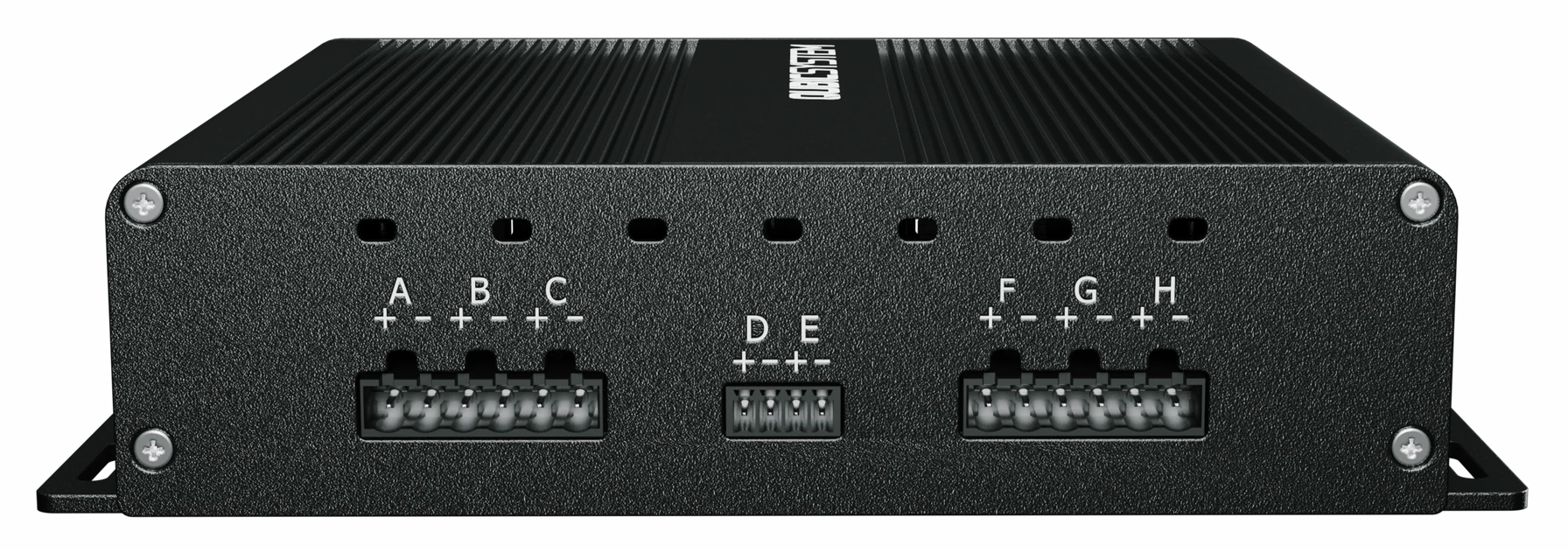
- 6 high-power
- Outputs A, B, C and F, G, H, for transducers on the seat and the cockpit frame. Up to 250 W into 4 Ω per output (calculated). All eight outputs share one 480 W supply.
- 2 low-power
- Outputs D and E, for pedal haptic units or low-power transducers: ABS under the brake foot, traction control under the throttle.
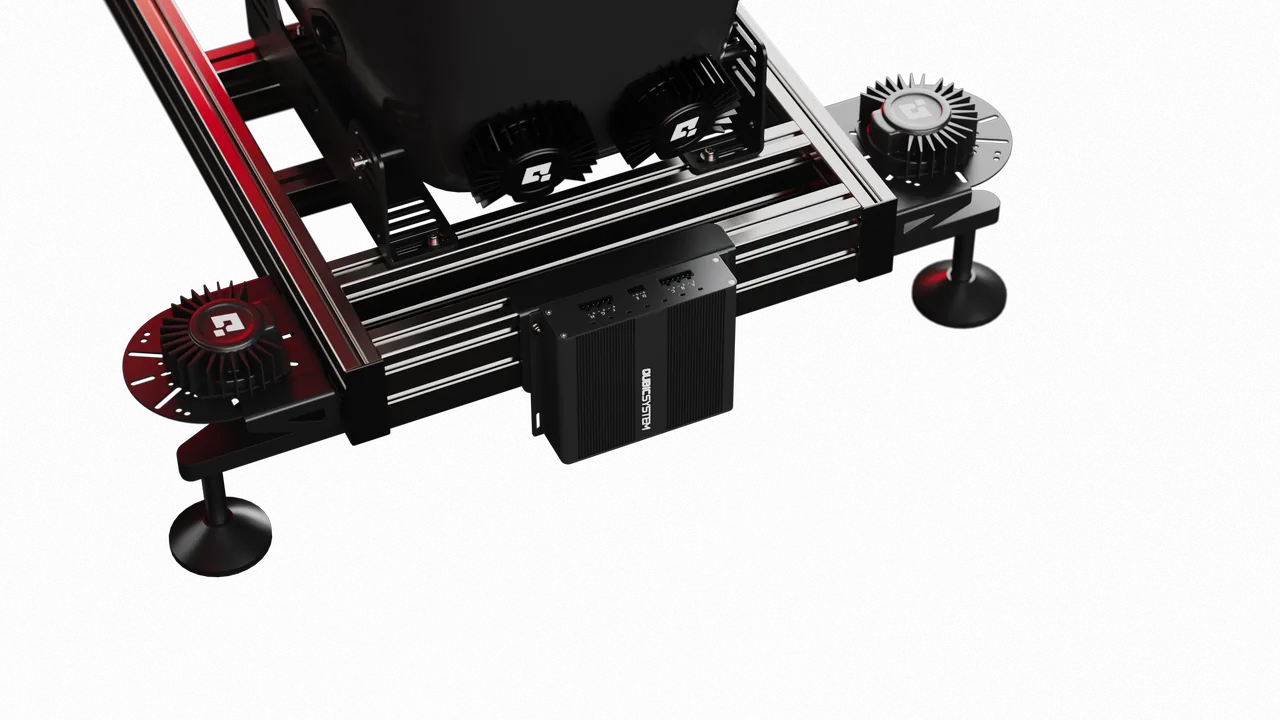
No sound card, no amplifier stack
Qubic Manager sends effect commands over USB. QS-HVS62 is not an audio device, so Windows cannot reassign it, mute it or lose it after an update.
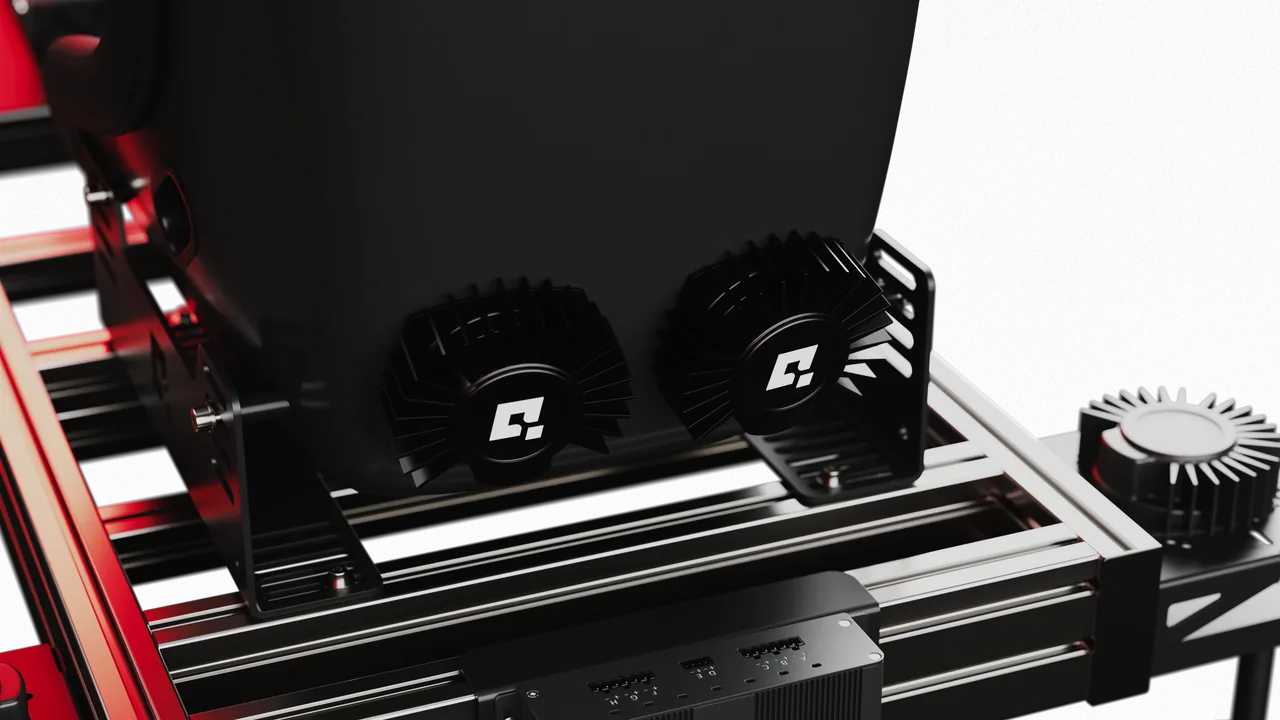
Any effect, any output
Under the seat, in the backrest, on the cockpit frame or all of them. The layout wizard sets up any mix of transducers.
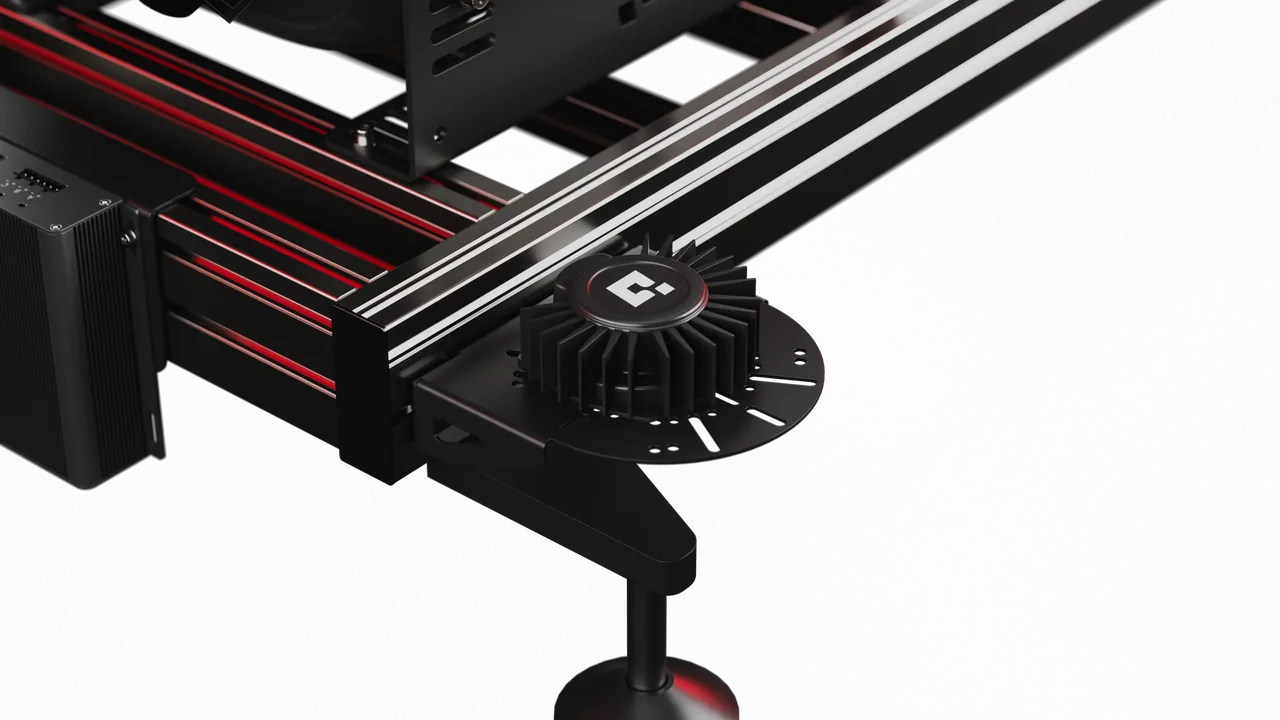
On the rig, by the transducers
Mount it on the cockpit frame: the speaker cables stay short, and only USB runs to the PC. Its built-in hub has two free ports.
Try QS-HVS62 at the show
QS-HVS62 is shown at SimRacing Expo before its launch. Take a seat at the SimUltimate booth and ask the team for a few laps.
Who it is for
- Anyone running transducers from a sound card and tired of the setup and the delay.
- Static rig owners looking for one of the biggest upgrades a rig without motion can get.
- Motion platform owners who want directional detail at the seat and pedals, from the same Qubic Manager profile.
- Flight simmers in DCS World and IL-2, with MSFS, Prepar3D and X-Plane in development.
The other products
Specifications
Channels
- Channels
- 8, from one device
- High-power output
- Up to 250 W into 4 Ω
- Low-power output
- Up to 10 W into 25 Ω
- Load impedance
- 4 Ω minimum
Effects
- Signal generation
- In the device
- Effect pitch
- 2-150 Hz
- Eye-to-butt latency
- -18 ms*
- Titles
- 40+
Connection and power
- PC connection
- USB-C
- Software
- Qubic Manager (Windows)
- Power supply
- 46 VDC, 480 W, included
- Motion-Lock
- Input built in
* Gear change, relative to the new frame on a 240 Hz gaming monitor. Telemetry can reach QS-HVS62 before the picture reaches the screen; nothing is felt before the game’s physics engine computes the event.
About this figure
Latency to the screen, measured for a gear change: the time from the new gear appearing on a 240 Hz gaming monitor to the rig moving, with DLSS and frame generation off. The figure depends on the game: each game publishes telemetry at its own rate, some at a fixed rate and some once per frame, and Qubic Manager reads it at its own interval. It was measured in Assetto Corsa; other games give other values. The game’s physics engine computes every event once and sends the result to two outputs: telemetry and graphics. The telemetry path to QS-HVS62 is shorter than the graphics path to the screen, so the vibration can arrive before the picture. It can never arrive before the physics engine has computed the event. For events without a visible cue, such as a curb, the latency to the screen cannot be measured; what stays constant is the gap to a sound card fed the same telemetry. Eye-to-butt figures compare devices on one setup; they should not be compared directly between setups (different monitors, computers, settings).
Tactile transducers, pedal haptic units and brackets are not included.